


When you are doing content for several clients, it becomes messy to manage at times. Teams have briefs to handle, drafts to review, approvals to chase, and multiple channels to keep updated.
AI can help agencies move faster, but only when it is built into a well-organized workflow.
The question is: which AI tools can fit into an agency's existing content process without creating more work?
There are several tools that focus on various aspects like writing, automation, collaboration, brand control, and publishing.
The seven tools below take different approaches. Select the best choice depending upon what your team needs most.
10 AI Content Workflow Tools for Agencies in 2026
1. StoryChief

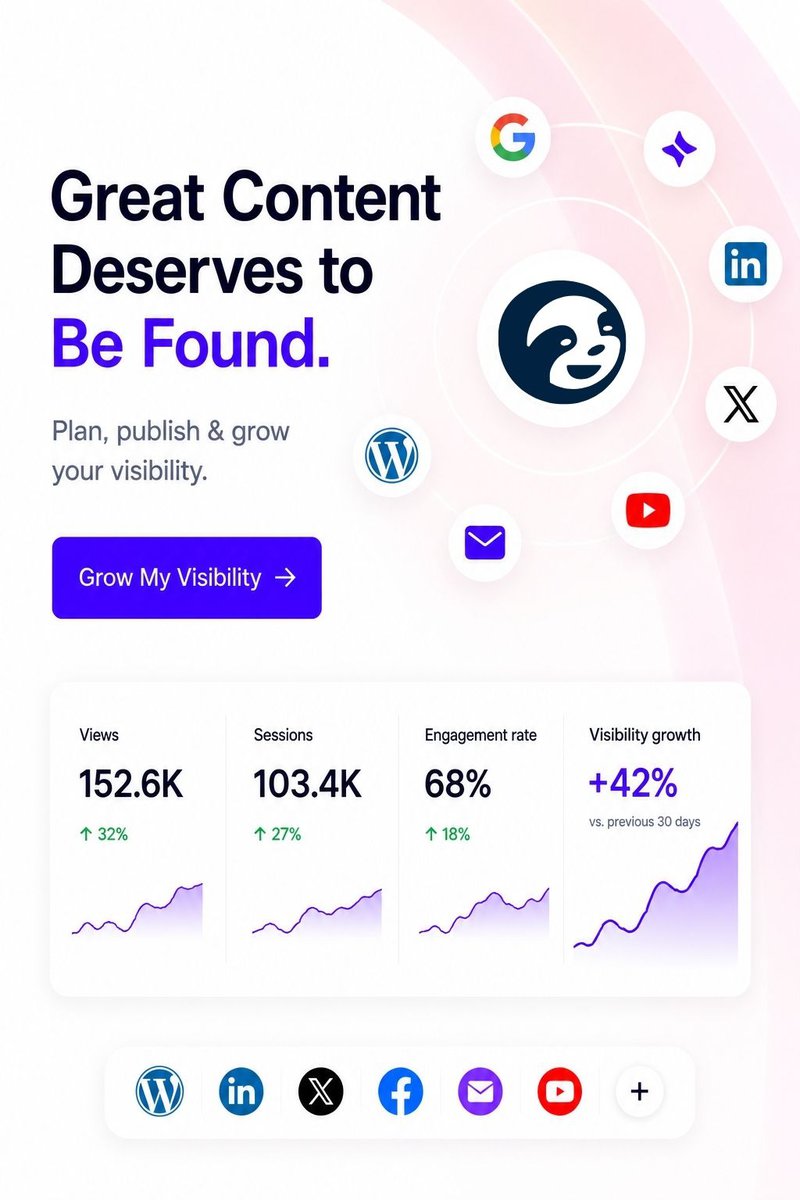
StoryChief brings planning, content creation, collaboration, approvals, publishing, and performance tracking into one AI content workflow. Agencies can manage the entire AI content workflow without constantly moving between separate tools.
Best for: Agencies managing multiple clients and content channels.
When to use it: Your team spends too much time moving briefs, drafts, feedback, and approvals between different tools.
Pros: Centralized workflows, client collaboration, content calendars, multi-channel publishing, AI-assisted content work, and performance tracking.
Cons: Agencies with highly customized processes may need some time to set up their preferred workflow.
StoryChief works well when an agency wants its AI content workflow to cover more than writing. A strategist can plan a campaign, a writer can develop the content, a client can review it, and the team can move approved content toward publication.
For more ideas, explore its guide on AI content workflows for agencies.
2. SocialBu

SocialBu is a social media scheduling and management platform that covers the publishing side of an agency's AI content workflow, once the content itself is already written. Agencies use it to run multiple client accounts from a single dashboard. It combines bulk scheduling, role-based approval workflows, social listening, and a reusable content snippet library. SocialBu also includes AI-assisted post creation. Its native MCP server lets AI assistants create and manage posts directly.
Best for: Agencies managing scheduling, approvals, and listening across multiple client accounts.
Use it when: Add a client, limit team access, schedule weeks of posts in bulk, and let clients review drafts and leave feedback before anything goes live.
Pros: Bulk scheduling and a visual content calendar. Role-based permissions and approval workflows. Social listening for brand and keyword mentions. A snippet library for reusable brand copy. AI-assisted captions and post generation.
Cons: SocialBu is built around scheduling, engagement, and listening. It is not designed for campaign planning or research. Agencies wanting a full content-strategy suite may need to pair it with a planning tool.
Agencies managing several brand voices can save recurring CTAs, disclaimers, and sign-offs as Snippets. Teams reuse them across client accounts, which cuts repetitive drafting. Social listening tracks brand and keyword mentions with sentiment context, so account managers catch client-relevant conversations without a separate monitoring tool.
SocialBu connects to AI assistants like Claude, ChatGPT, and Cursor through its MCP server. Teams can schedule, edit, approve, or pull analytics using plain-language requests, without opening a separate dashboard. For agencies already running research and drafting through an AI assistant, this folds publishing and monitoring into the same conversation instead of a separate tool switch.
3. D-ID
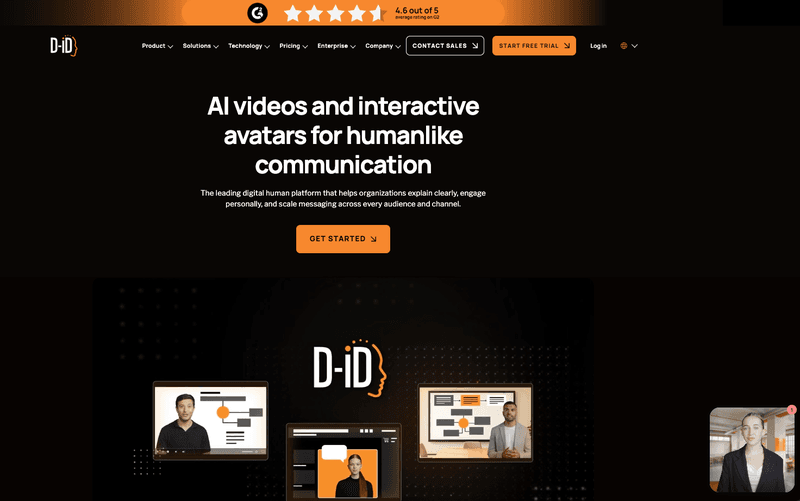
D-ID brings AI video creation and AI digital humans into an agency's content workflow, helping teams turn scripts, campaign ideas, presentations, and other source material into avatar-led video without traditional filming. Agencies can create multilingual marketing videos and personalized content through its self-service platform. Interactive AI Agents can also add a conversational layer for experiences where audiences need to engage rather than simply watch.
Best for: Agencies creating AI video, avatar-led content, and interactive experiences for clients.
Use it when: Your team needs to turn existing campaign messaging or written content into video quickly, localize it across markets, or add interactive AI experiences to a client's content strategy.
Pros: AI avatar video generation, Interactive AI Agents, multilingual content creation, custom avatars and voices, self-service plans, and API options for higher-volume workflows.
Cons: Agencies focused only on text-based content production or social scheduling may need to pair D-ID with dedicated writing, workflow, or publishing tools.
D-ID fits particularly well at the production stage of an AI content workflow. A team can move from an approved script or campaign concept to finished AI video without arranging presenters, cameras, studios, or repeated recording sessions, making video a more practical part of ongoing client content rather than a separate production project.
4. Copy.ai

Copy.ai takes a broader approach by connecting AI workflows with marketing and go-to-market operations. That can make it useful for agencies whose content work involves research, sales information, and campaign execution.
Best for: Agencies connecting content production with wider marketing workflows.
Use it when: A campaign involves repeated research, content adaptation, and several connected marketing tasks.
Pros: Workflow automation, reusable processes, AI-assisted content creation, and support for broader go-to-market activities.
Cons: Agencies focused mainly on editorial planning and publishing may not need its wider workflow capabilities.
For example, an agency could connect campaign research with a content brief, create supporting assets, and adapt the same messaging for different channels. This approach gives the AI content workflow a clear sequence instead of treating every content asset as a separate task.
The real benefit comes from connecting related tasks instead of treating every content asset as a separate job.
5. WRITER

WRITER focuses on structured AI workflows, governance, and reusable processes. Agencies can create playbooks that bring together instructions, business knowledge, tools, and repeatable steps.
Best for: Agencies that need stronger governance and consistent processes across teams.
Use it when: Client work requires specific brand, compliance, or operational rules.
Pros: Reusable playbooks, centralized knowledge, workflow customization, governance controls, and connections with external systems.
Cons: Smaller agencies with simple content processes may find its advanced capabilities unnecessary.
WRITER can help agencies turn an established AI content workflow into a repeatable process. Teams can create workflows for content briefs, campaign assets, client onboarding, or content reviews.
6. Zerply.ai

Zerply tracks how ChatGPT, Claude, Gemini, and Perplexity talk about a brand, then turns those answers into articles and landing pages on the client’s own domain. Run it across a few client accounts and the gap and the fix sit in the same workspace instead of in a report nobody owns.
Best for: Agencies running AI visibility and AEO work across multiple client brands.
Use it when: Planning to scale content publishing based on topical and citation gaps.
Pros: Tracking, full keyword research, outlines, drafting, image generation, and publishing all sit in one place, grounded in the client’s live AI visibility and Google Search Console data instead of a generic template.
Cons: Not a traditional workflow UI. Zerply AI agent executes end to end process.
Zerply picks up at the point where AI visibility tools usually stop, the moment a gap turns into work. A strategist runs the audit, sees a ranked plan instead of a spreadsheet, then sends the highest impact gap straight to Zerply Agent.
Zerply Agent handles the article end to end, from research and outline to draft and images, then pushes it live. Foundry does the same for landing pages, drafting against the client’s Search Console data and the competitor page currently winning the citation, then publishing to the client’s own domain instead of a subdomain with no authority.
7. SlideModel
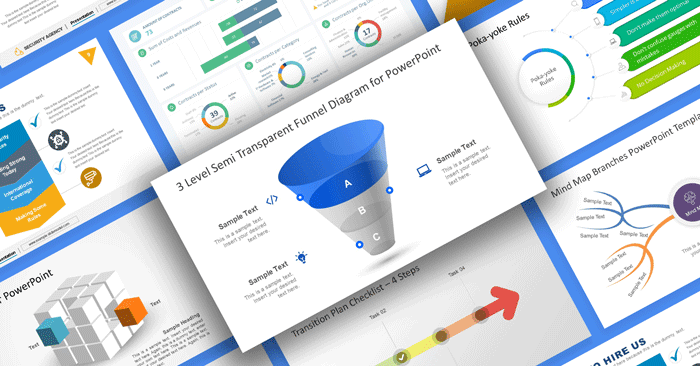
SlideModel helps agencies create client-ready presentations faster, whether they are starting from a professionally designed presentation template or building a new deck with AI. This makes it useful for teams that regularly turn campaign strategies, reports, research, proposals, and client updates into presentations.
Best for: Agencies that regularly create presentations, proposals, report presentations, and client-facing decks.
Use it when: Your team needs to turn ideas, briefs, or existing content into creative presentations without designing every slide from scratch.
Pros: Large library of professionally designed presentation templates, editable slide designs, and an AI Slide Deck Maker for generating complete slide decks from a topic or prompt. The presentation templates are compatible with Microsoft PowerPoint & Google Slides.
Cons: SlideModel is focused specifically on presentation creation, so agencies will typically use it alongside their content planning, collaboration, and publishing tools.
For example, an agency could develop a campaign strategy or research report within its existing AI content workflow, then use SlideModel to turn that information into a client presentation. Teams can start with a pre-designed slide template when they already know the structure they need, or use the AI Presentation Maker to quickly generate a first version of the deck, and then continue in Microsoft PowerPoint or Google Slides.
This helps extend the AI content workflow beyond written content into one of the most common agency deliverables: presentations.
8. GPTinf

GPTinf brings a humanizer, an AI detector, and a plagiarism checker into one workspace, so agencies can turn AI-assisted drafts into publish-ready copy without switching tools. That can make it useful for teams that want a quality and originality check built into their AI content workflow.
Best for: Agencies that need a quality and originality check before AI-assisted drafts reach clients.
Use it when: Writers produce AI-assisted drafts at volume and each one needs to read naturally and clear an originality check.
Pros: All-in-one humanizer, AI detector, and plagiarism checker, structural rewriting, freeze keywords, file upload, and a free tier.
Cons: Built mainly for the polish-and-check stage, so it does not replace a full planning or publishing platform.
For example, a writer could run an AI-assisted draft through the humanizer, then check it against the built-in detector and plagiarism scan in the same place. This keeps the AI content workflow moving without extra tabs, while an editor still reviews the output before it reaches the client.
The real benefit comes from handling cleanup and checking in one step instead of stitching separate tools together.
9. Humanize AI Pro

Humanize AI restructures AI-assisted drafts so they read naturally while keeping a formal or professional register intact. That can make it useful for agencies that need client-facing content to sound written by a person rather than assembled by a model.
Best for: Agencies refining formal or professional client content that must not sound templated.
Use it when: AI-assisted drafts read stiff or robotic and need to match a client's professional tone before review.
Pros: Structural rewriting, formal and academic modes, a detector with a sentence-level reasoning panel, unlimited runs on paid plans, and a free tier.
Cons: Focused on refinement and checking, so it is not a planning, collaboration, or publishing platform.
For example, a writer could paste an AI-assisted draft, pick a mode that matches the client's tone, and review the changes the tool highlights. The detector's reasoning panel then explains why each passage reads as human or AI, so an editor gets specific feedback instead of a single score.
The real benefit comes from refining tone and checking quality before content moves into review.
This approach becomes useful when several people need to follow the same AI content workflow across different client accounts. For more related guidance, explore StoryChief's AI workflows for client content production.
10. Typeface Arc Spaces

Typeface is an enterprise marketing AI platform built around agentic workflows. The part of this platform that is most relevant to an agency's AI content workflow is Arc Spaces feature. Arc Spaces is a collaborative canvas where team members and AI agents work in the same space. Planning, creation, reviews, approvals, and publishing all sit in one workflow instead of across separate tools.
Best for: Agencies producing multi-format campaigns for large brands that need strict brand control and approval trails.
Use it when: Several people and multiple AI agents need to work on the same campaign, and every asset has to stay on-brand even when production scales.
Pros: One workspace for planning through publishing, multimodal output (social posts, video reels, email campaigns, ads, SEO blog posts), real-time project status with automatic approval notifications, a complete audit trail of changes, brand and audience context applied automatically through Arc Graph, and direct publishing to DAM, CMS, and marketing platforms via connectors and APIs.
Cons: Built for enterprise marketing complexity, so smaller agencies with light content volume may find it to be more than what they need. Pricing is demo-based rather than self-serve.
Because brand guidelines, approved layouts, and audience context are grounded in Arc Graph, the dynamic brand intelligence system of Typeface, each client's voice and visual rules travel with the work instead of living in a separate guidelines PDF someone forgets to check.
The real benefit comes from keeping creation, review, and publishing in one governed workflow, so brand consistency holds as the number of clients and channels grows.
Build an AI Workflow Your Agency Can Scale
Choosing an AI content workflow tool becomes easier when you start with the problem causing the most friction. Maybe approvals take too long. Maybe writers spend hours adapting the same campaign for different channels. Maybe client feedback gets scattered across emails and messages. To centralize scattered client conversations, Lark is built to solve this problem by combining an AI CRM with the collaboration tools your team uses daily, keeping messaging, project management, and docs connected on a single platform.
Start with that problem and test each platform against your existing AI content workflow. The right tool should make everyday content operations easier while keeping people responsible for strategy, quality, and final approval.
For agencies that want planning, collaboration, publishing, and AI-assisted content workflows in one place, StoryChief offers a practical option to explore. See how StoryChief can help your team build a more organized AI content workflow and scale content operations with less manual coordination.